-
-
-
-
-
-
-
-
-
-
Coussin thermique à changement de phase PTM7950
Sold Out (this item will not be restocked)
Impossible de charger la disponibilité du service de retrait
Description
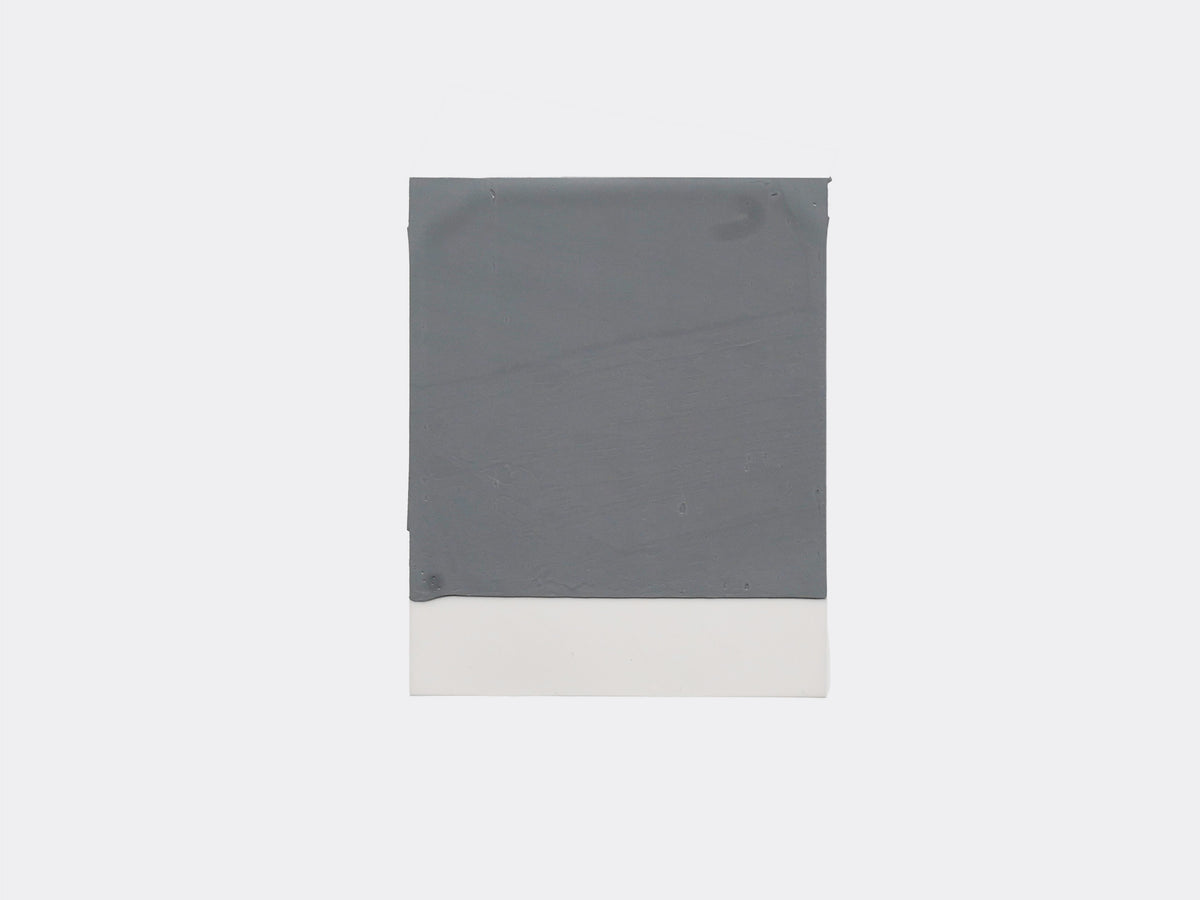
Enfin, les légendaires pads thermiques à changement de phase Honeywell PTM7950 de cette vidéo sont disponibles sur lttstore !
Si vous recherchez un matériau d'interface thermique offrant des performances supérieures à celles de la pâte standard, mais que vous ne voulez pas vous embêter avec quelque chose comme du métal liquide, c'est un compromis fantastique pour toute installation de PC ou de serveur DIY. De nombreux fabricants d'ordinateurs portables optent également pour un tampon thermique plutôt que de la pâte pour les installations de CPU et de GPU, donc si votre ancien ordinateur portable a besoin d'une mise à jour, nous avons ce qu'il vous faut.
Les sources PTM7950 ont tendance à être trop chères ou peu fiables dans la plupart des cas, nous sommes donc très fiers d'offrir une source abordable et fiable pour ce matériau thermique unique.
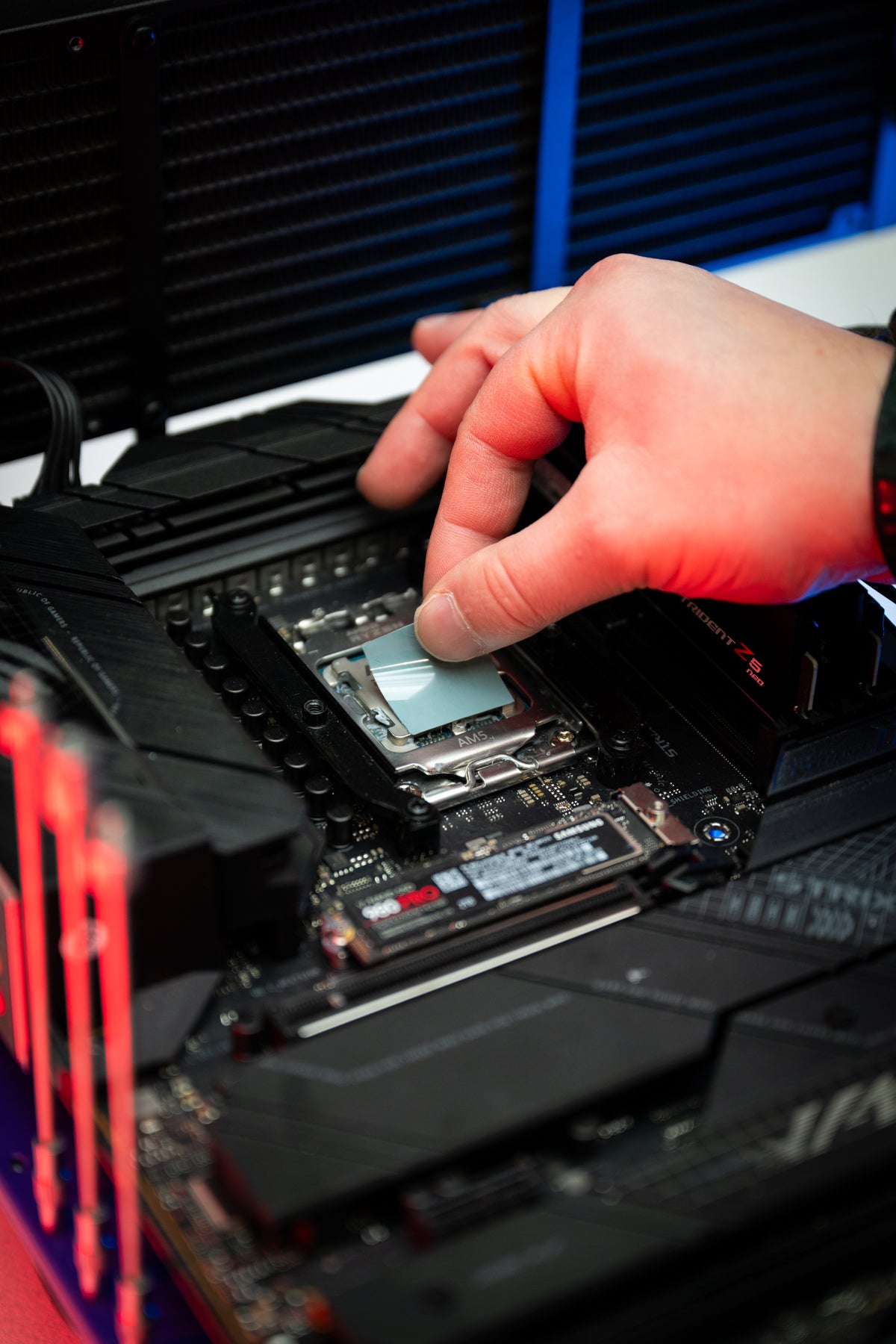
C'est la première fois que vous utilisez un coussin thermique comme celui-ci ? Découvrez notre rapide guide d'installation ici
REMARQUES IMPORTANTES :
Votre tampon thermique peut subir un ou plusieurs changements de phase pendant le transport, ce qui fait qu'il arrive dans un état légèrement déformé. Cela est normal et n'entraînera aucun problème de performances après l'installation : votre dissipateur thermique assurera une couverture uniforme.
En cas de fuite provenant de l'emballage du produit, veuillez contacter le service client.
Malheureusement, nous ne pouvons pas accepter les retours de coussinets thermiques avec emballage de produit ouvert.
Information du produit
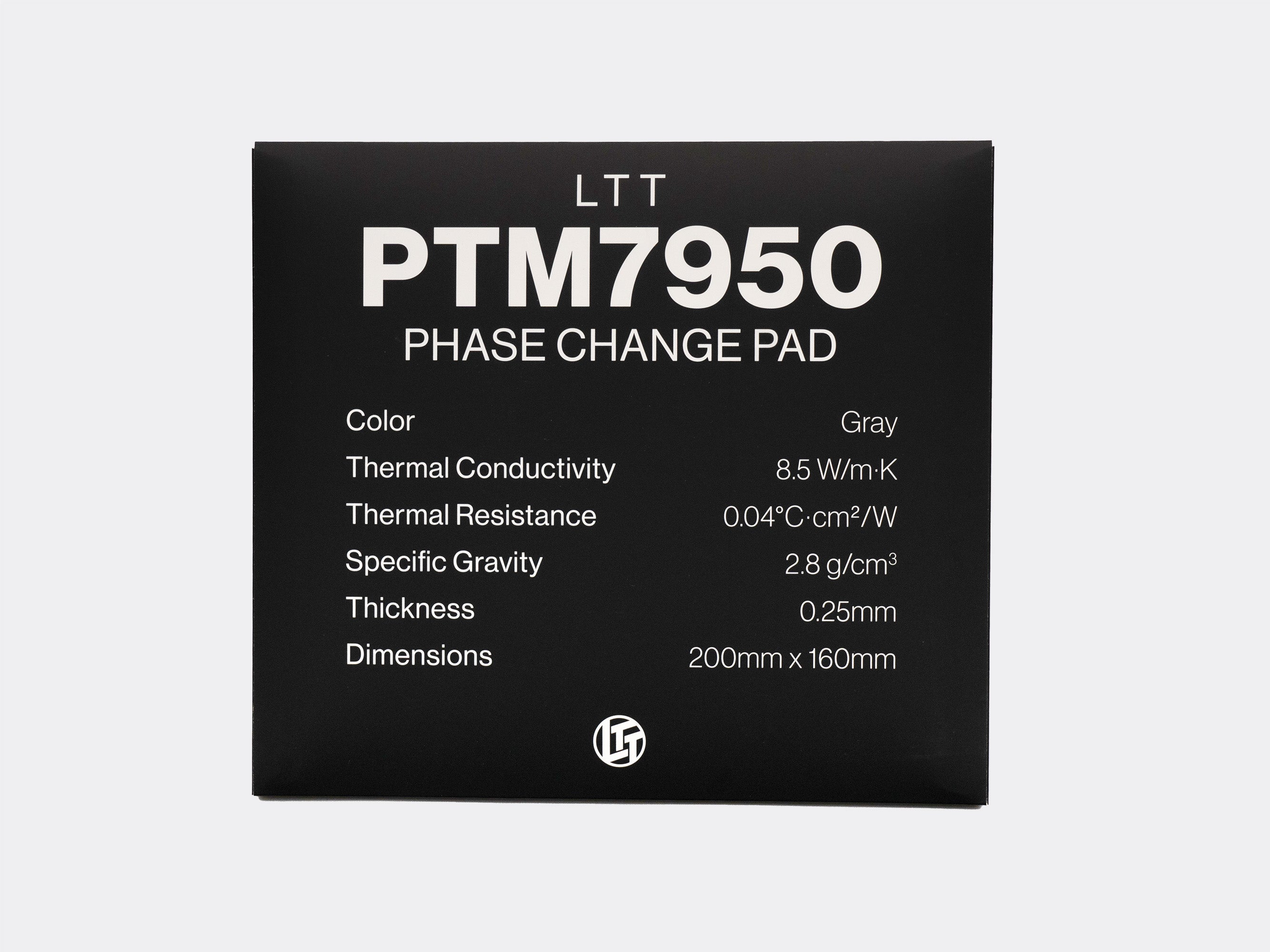
Résistance thermique : 0,04°C·cm²/W
Densité spécifique : 2,8 g/cm³
Guide des tailles


Very good product
I replaced the stock Liquid Metal hybrid compound on an HP ah0097nr gaming laptop that has a 275hx cpu and a 5080 gpu.
The end results were surprising I was able to push the CPU very hard up to 130w P1 sustained with a cool mat blowing extra cool air. Before this change I had to lower the wattage to something like 75-85 to keep the temperature under 90. With the PTM7950 I got a similar temperature but at 130w P1 which was crazy.
The GPU on my laptop had temperature that’s were on par and better than stock it hovers around 75 C when doing heavy gaming.
Overall I am very happy with the PTM 7950 it really out performed my expectations by a long shot.
Also buying from LTT was worth it to know I am getting the real product. Amazon has lots of sketchy listings but who knows what’s real.
I bought the full sheet of it for $100 and I have lots of material left over. It did take me a few attempts to finally get it on in one piece but once I got the hang of it applying more would have been easy.
Overall I highly recommend this product especially for laptops.
Install was relatively easy. Temps on my 6800xt have been staying fairly steady at 58°c under full load. Waiting to see how it does long term.so far loving the ptm7950.
I was previously using corsair's xtm70 on my laptop, and was averaging about 50W in cpu benchmarks, throttling. the paste was about 6 months old and I believe I was getting some pump out effect because the laptop was able to push 60-ish W in average on a brand new application. The fans were slightly dusty but nothing screaming performance loss.
After installing the ptm7950 I was averaging about 70W, still throttling but its a good improvement. I peaked at 95W, while the fresh xtm70's fresh application peaked at about 85W (I don't remember, but it was in the 85-90 range).
On cinebench 2026 i went from 2828 to 3107, but keep in mind that I was on 6 months old thermal paste with some possible pump out effect.
The good thing for me is that the performance didnt drop for now, it might might have even improved a bit since I installed it. Also, you will need some small thing to be able to remove that 2nd peel of the 7950, good luck doing it with your bare hands.
Perfect size for multiple CPU and GPU applications.